

Lumia Security for Employees
Open-by-Default. Safely.
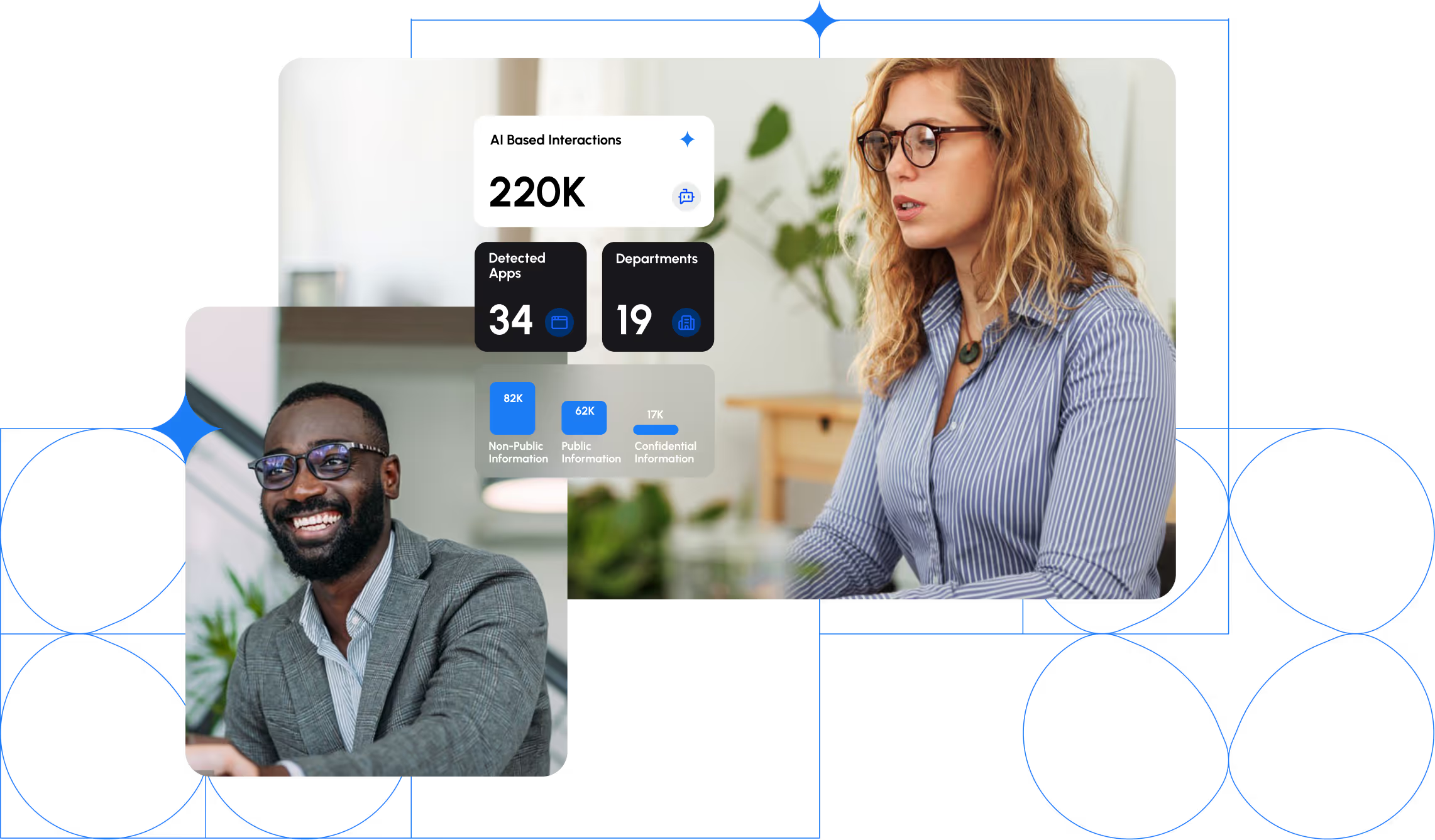
Blocking AI entirely kills productivity. Allowing it uncontrolled creates risk.
LLMs are now embedded everywhere. Whether in productivity tools, collaboration apps, browsers, and even operating systems. With every app becoming an AI app, URL or app-based controls can no longer define safety.
Some organizations try to standardize by choosing a single AI vendor or model. In practice, this fails. Employees have personal preferences, third party applications use LLM models over which you have no control, and no single model fits all tasks. Standardization can’t keep pace with distributed adoption.

Risk no longer depends on where employees connect, but what they communicate.
Content, not destination, defines exposure.


Lumia enables high level visibility and security of your AI adoption.
Risk can no longer be managed by domains, destinations, or app lists. It requires governance that understands context, intent, and content.
This is the foundation of Lumia’s approach to AI usage control. It’s about governance that reflects how people actually work, not where they click. Lumia enables organizations to stay open-by-default while remaining fully in control, allowing employees to use AI freely, safely, and productively across every tool they rely on.
What you need to assess risk:
What content is used with which service. Under which context.
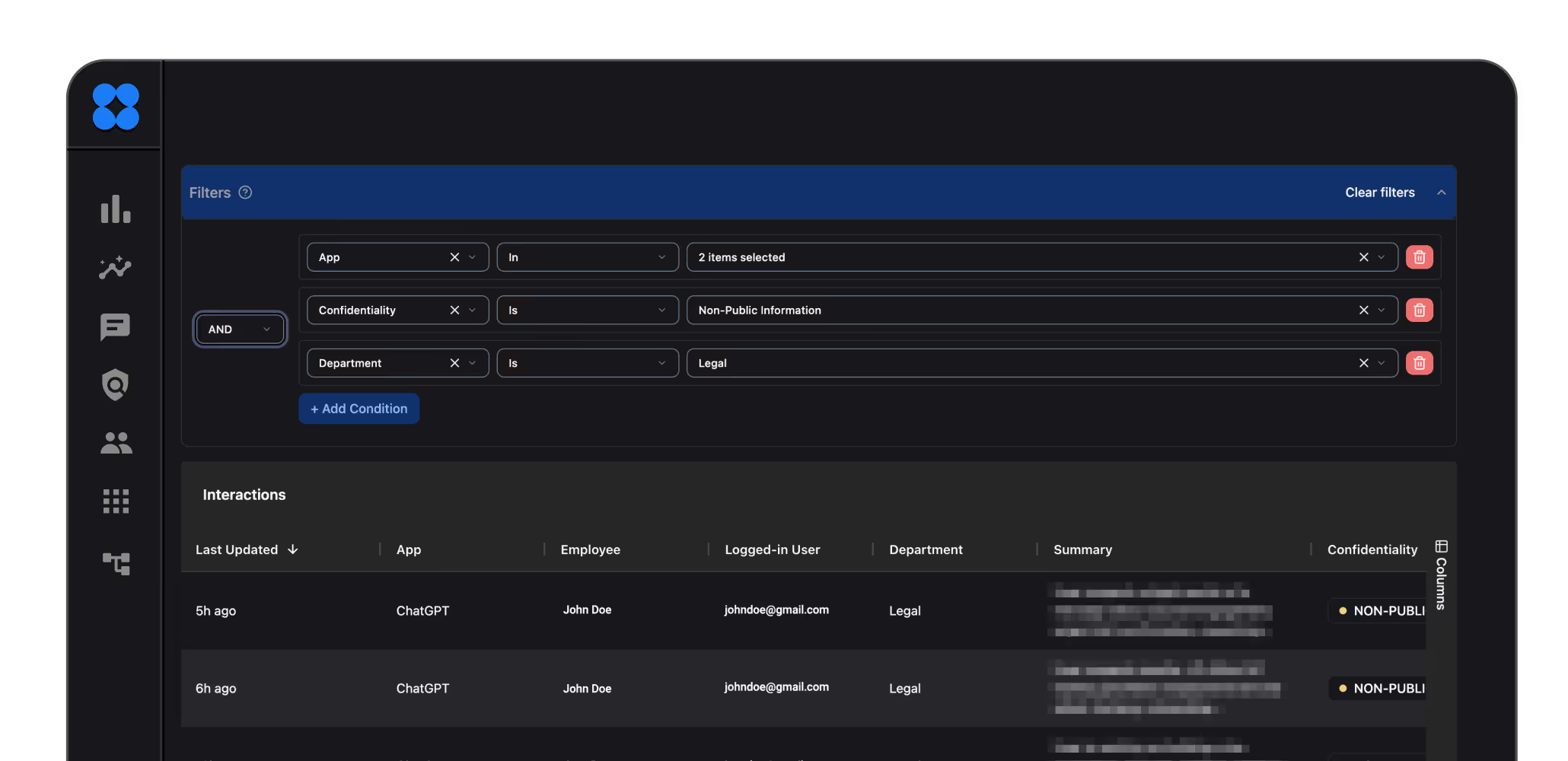
Understand the context of each interaction.
Detect which AI tools and services employees rely on. From standalone models like ChatGPT or Claude to embedded AI inside tools such as Salesforce or Canva.
Example
Summarizing an email to request code assistance is very different from uploading a confidential presentation for rewriting. Each might be safe, or risky, based on context or content.
Know whether data is confidential, used for training, or returned from a reliable source.
Gain visibility into the business-specific information being sent and to which model.
Example
Public companies cannot share non-public financial data under SEC rules, while privately held firms face no such restriction.
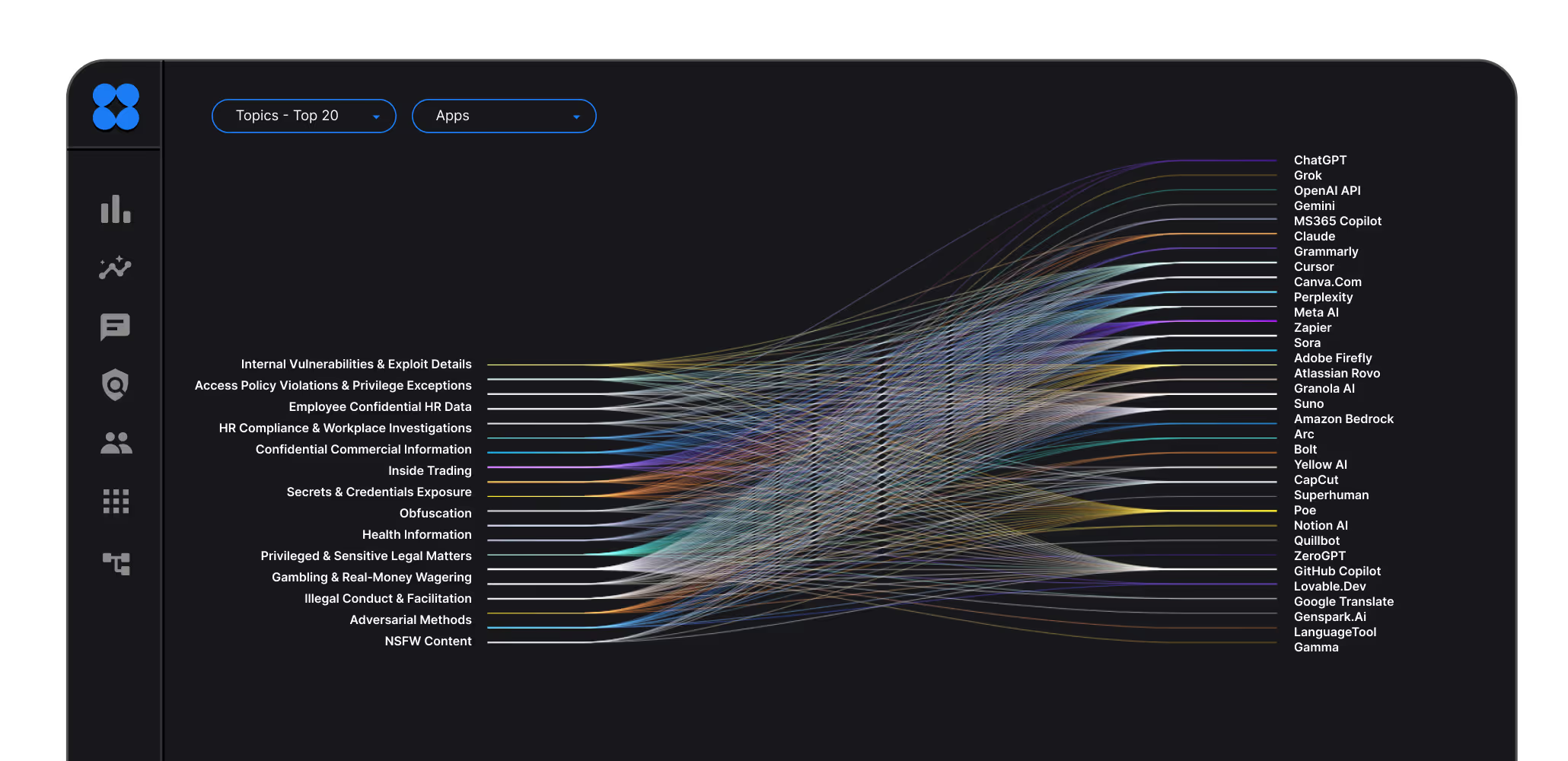
Recognize when specific users or roles create certain types of risk.
Know who is using AI - by department, role, individual, device, and connection type (browser, application, endpoint), and under what conditions such as anonymous, enterprise account or private account.
Example
Marketing can use an AI service for presentation design but not to draft external press releases. In another case, HR may summarize feedback safely, but prompting AI with identifiable health data could breach privacy law.
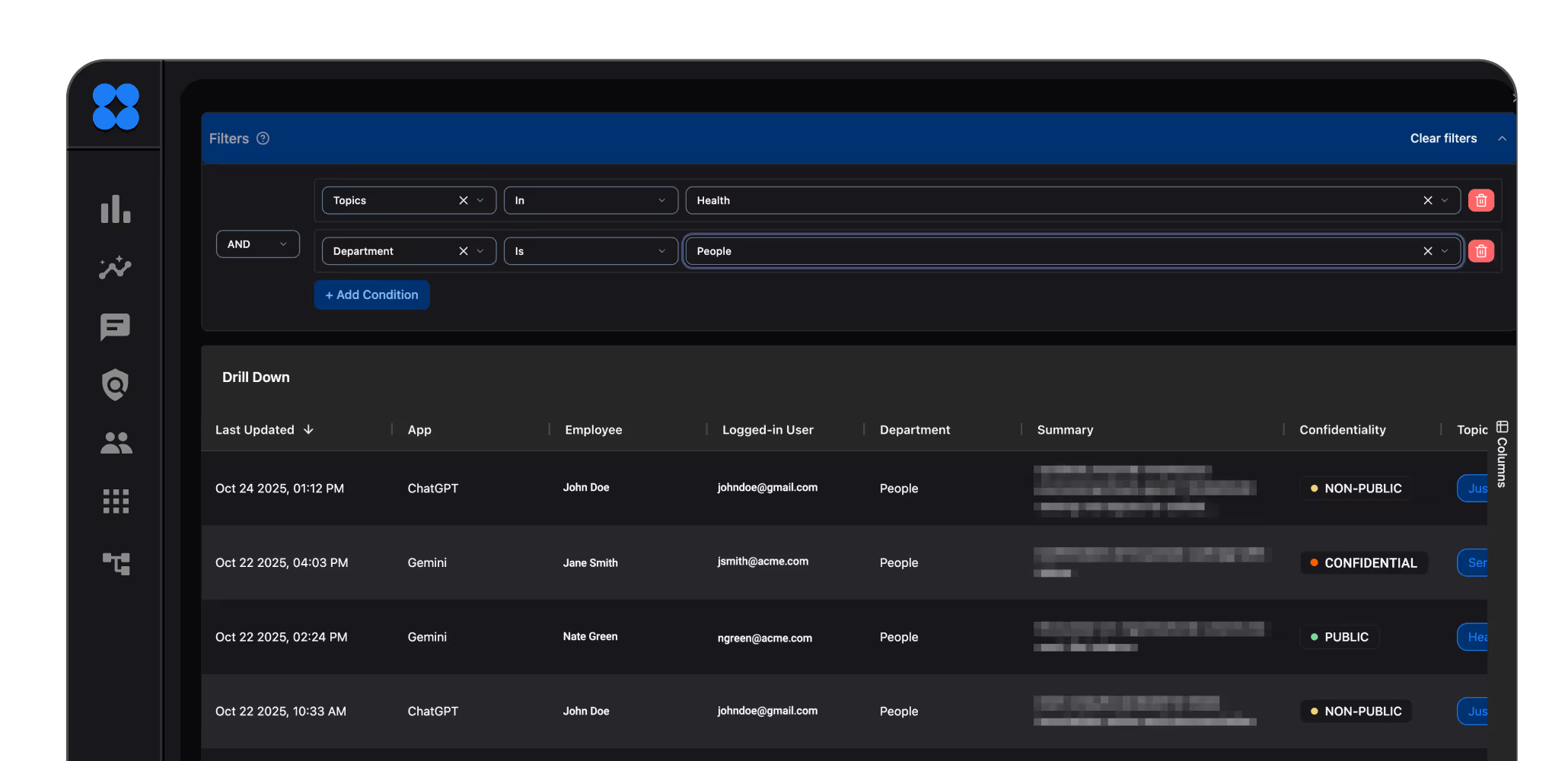
Once you understand how employees use AI, the next step is shaping how they should actually use it. Aligned with your intent, risk appetite, and policy.

Applications
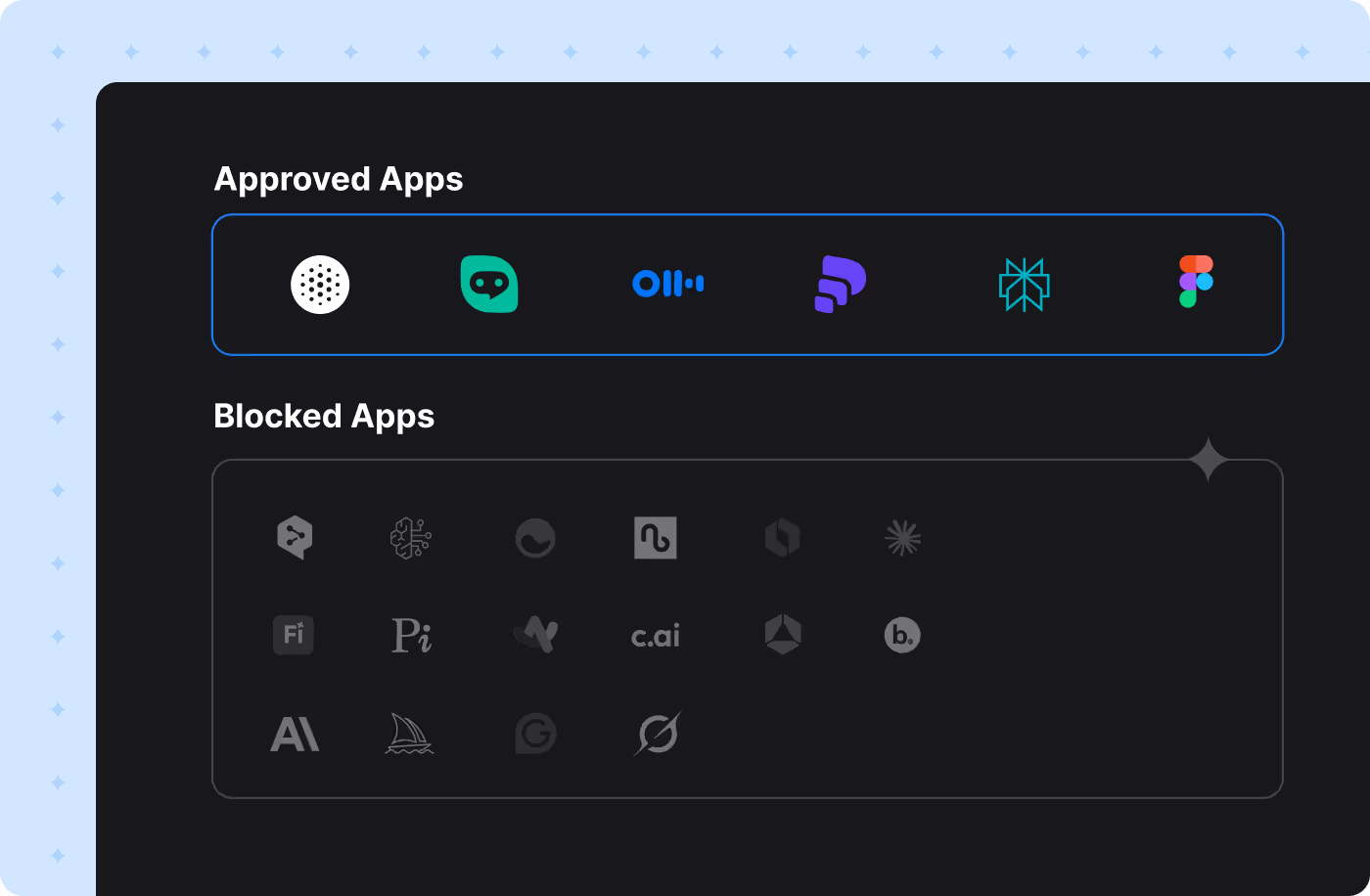
Ensure employees use only approved applications for the purpose and content intended.
Example: Permit the usage of AI apps that train on your data, only with public data.

Business Knowledge
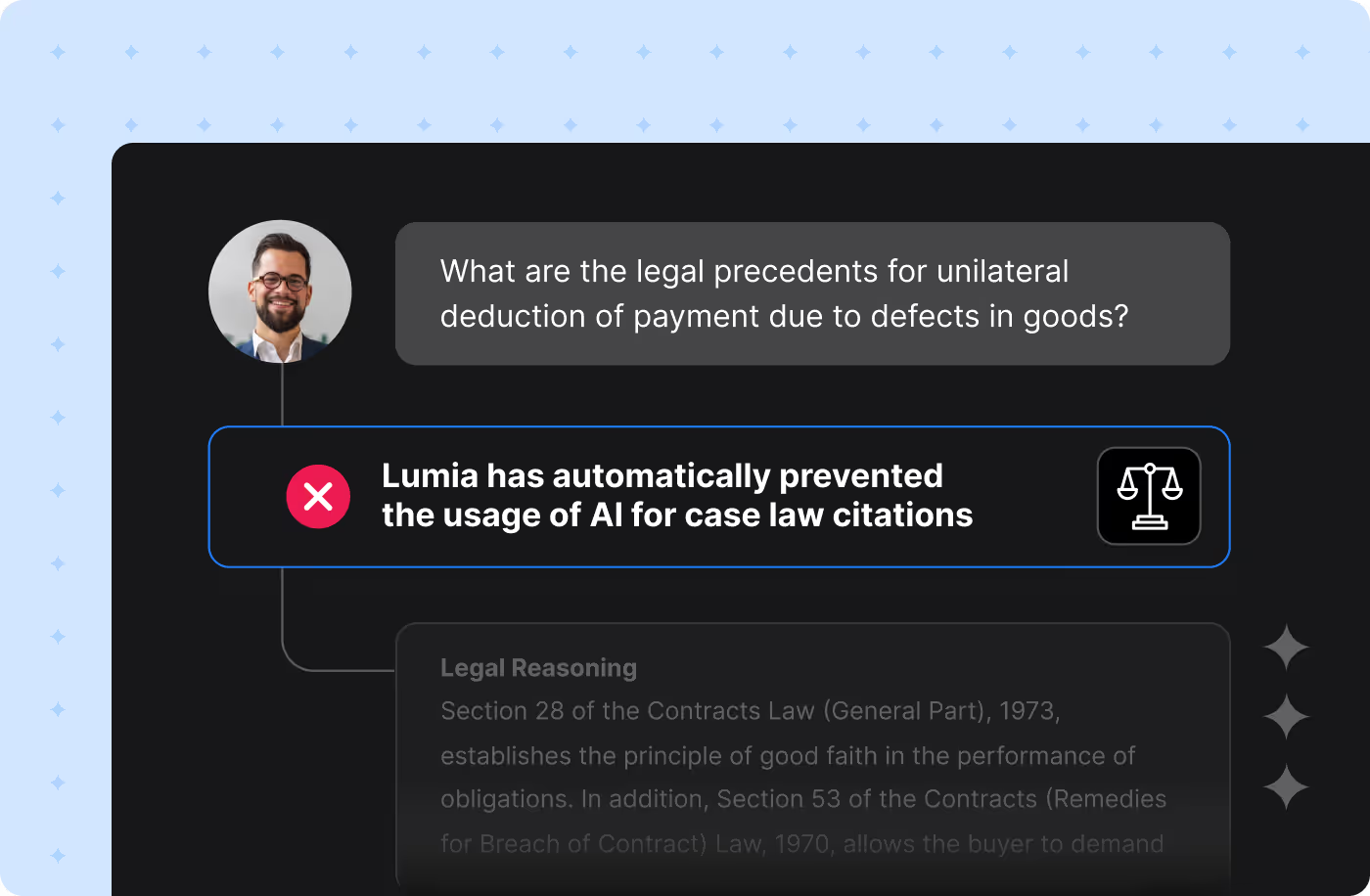
Define which topics and scenarios are allowed or restricted when employees interact with AI services.
Example: Prevent use of AI for drafting legal pleadings or court filings. In another case, a finance team might use AI for internal budget summaries, but not to generate forward-looking projections that could be considered public statements.

Compliance
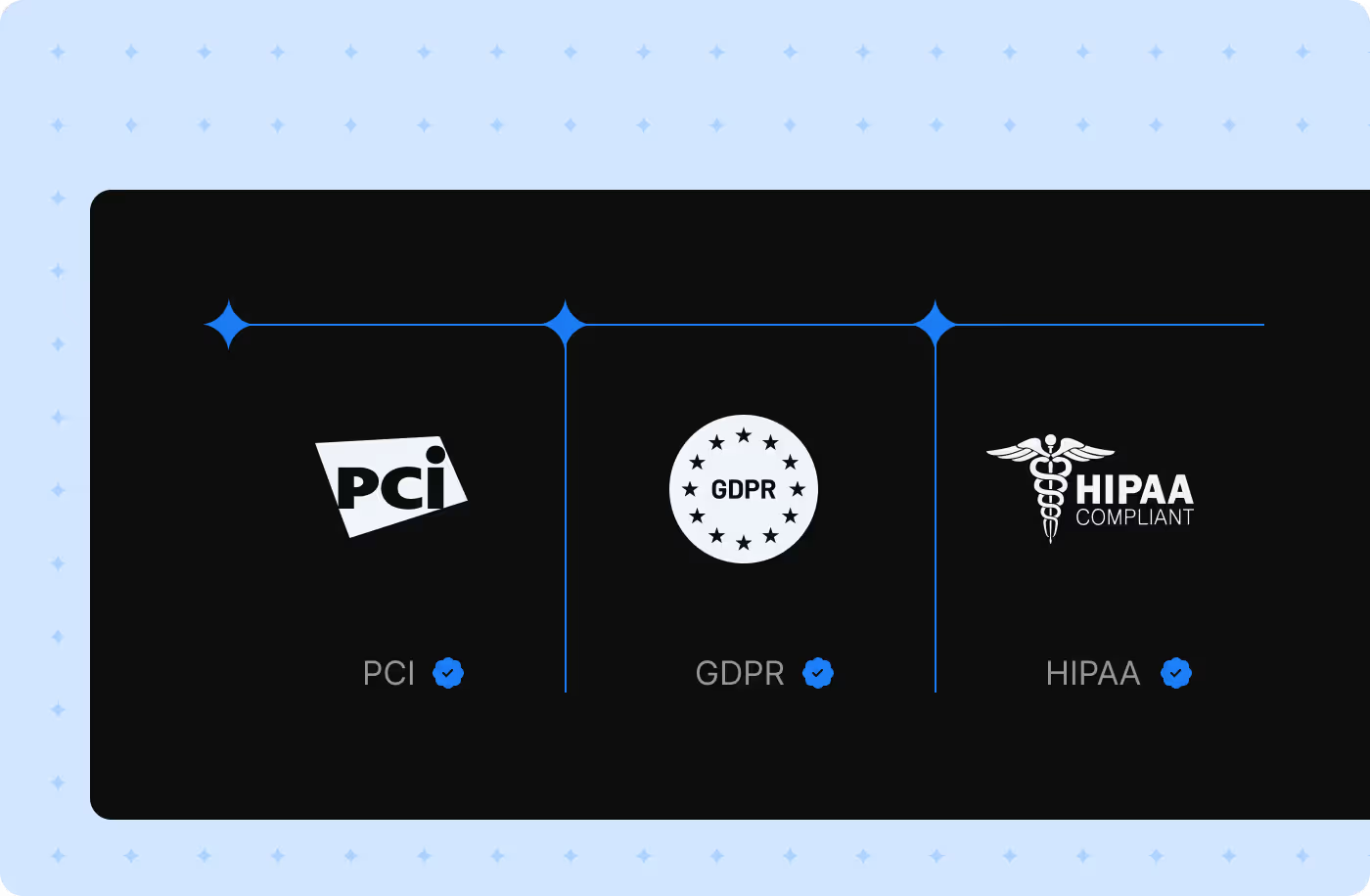
Align employee AI usage with regulatory and industry requirements.
Example: Apply out-of-the-box controls for GDPR, HIPAA, PCI, or TPRM. You can also define custom policies in natural language to match your specific obligations.

Security
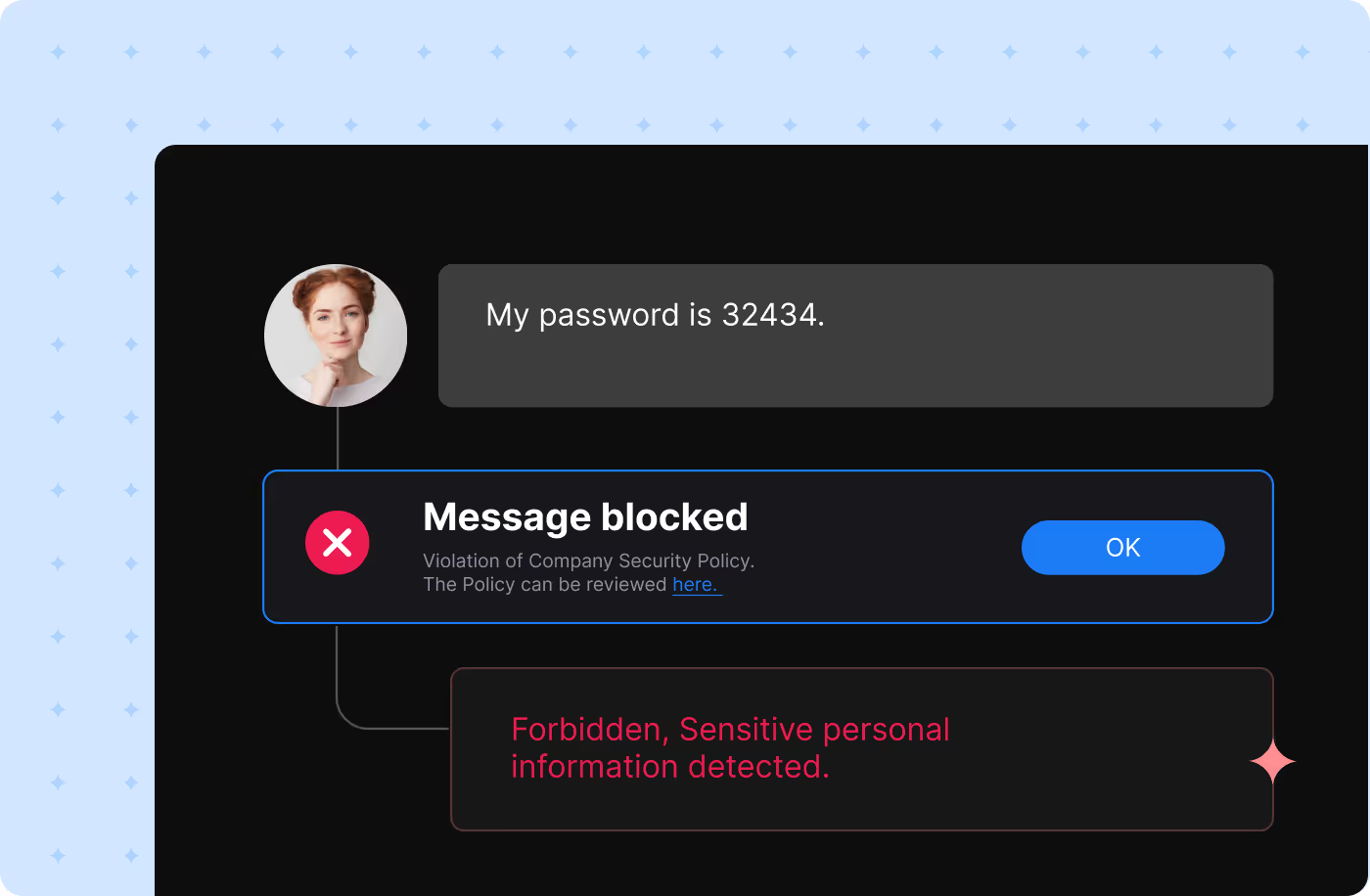
Prevent employees from consuming or exposing unsafe information such as passwords, API keys, or internal configuration data.
Example: Stop AI from generating back-door code, phishing content, or commands that bypass authorization.
Once governance rules are in place, Lumia enforces them.
The platform investigates every interaction, blocks risk, communicates in real time, and integrates across your security stack.
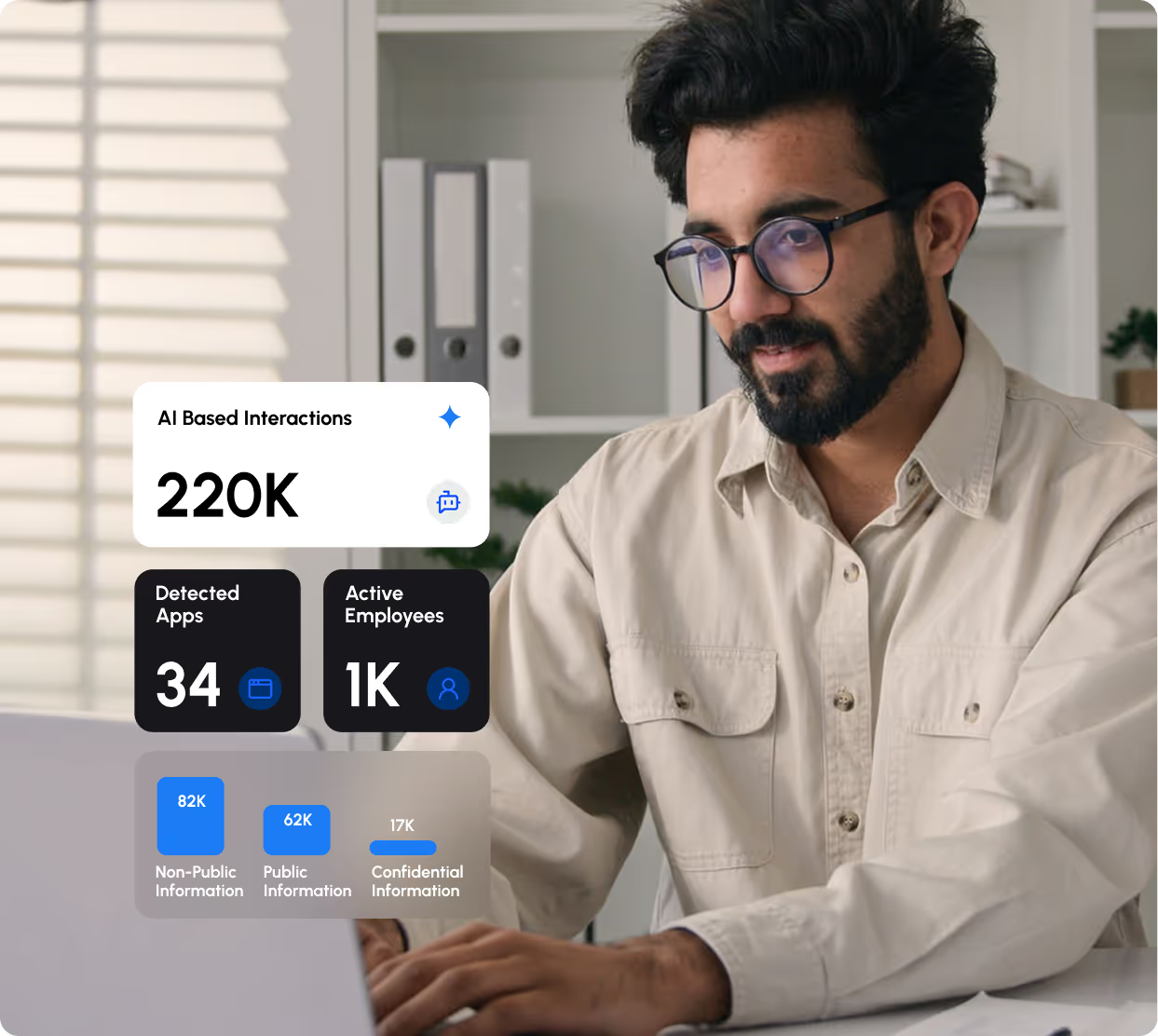
Log and analyze every AI interaction to understand what was shared, by whom, and under what context.
Validate intent and policy alignment in real time.
Block or redact information - whether a prompt, response, or network call - before it leaves the environment.
Prevent sensitive or non-compliant data from being transferred.
Educate users in real time. Explain why an action was risky and how to correct it.
Reinforce responsible AI use through clear, actionable feedback.
Connect Lumia with the rest of your security and operations platforms, from tickets, SIEM or EDR and even legal or HR.
Ensure every alert or policy action triggers the right workflow and accountability path.

Adopt AI. Securely.
Register now to Lumia and we’ll get back to you.